


Exact Online
Exact Online (also known simply as Exact) is a popular accounting and ERP platform in Europe. Connecting it brings your general ledger into Eagl.
What syncs in
Section titled “What syncs in”- General ledger accounts and transactions, which feed reporting and drill-down.
Connecting uses OAuth, so you authorize Eagl from Exact Online directly — there are no API keys to copy.
-
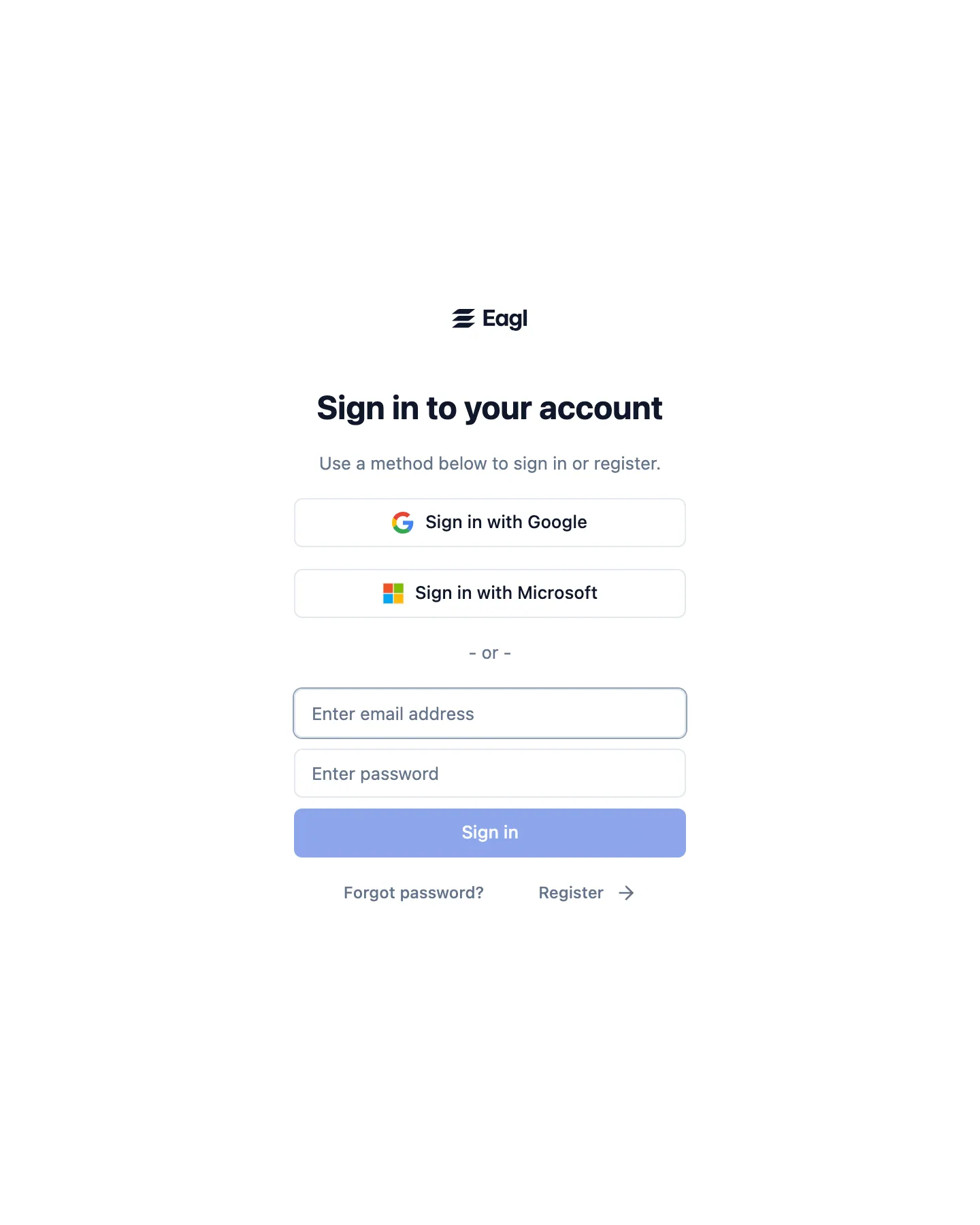
Sign in to Eagl.
Go to app.eagl.finance and sign in with Google, Microsoft, or an email and password. If you don’t have an account yet, one is created the first time you sign in. For help reaching an existing organization, contact your administrator or support@geteagl.com.
-
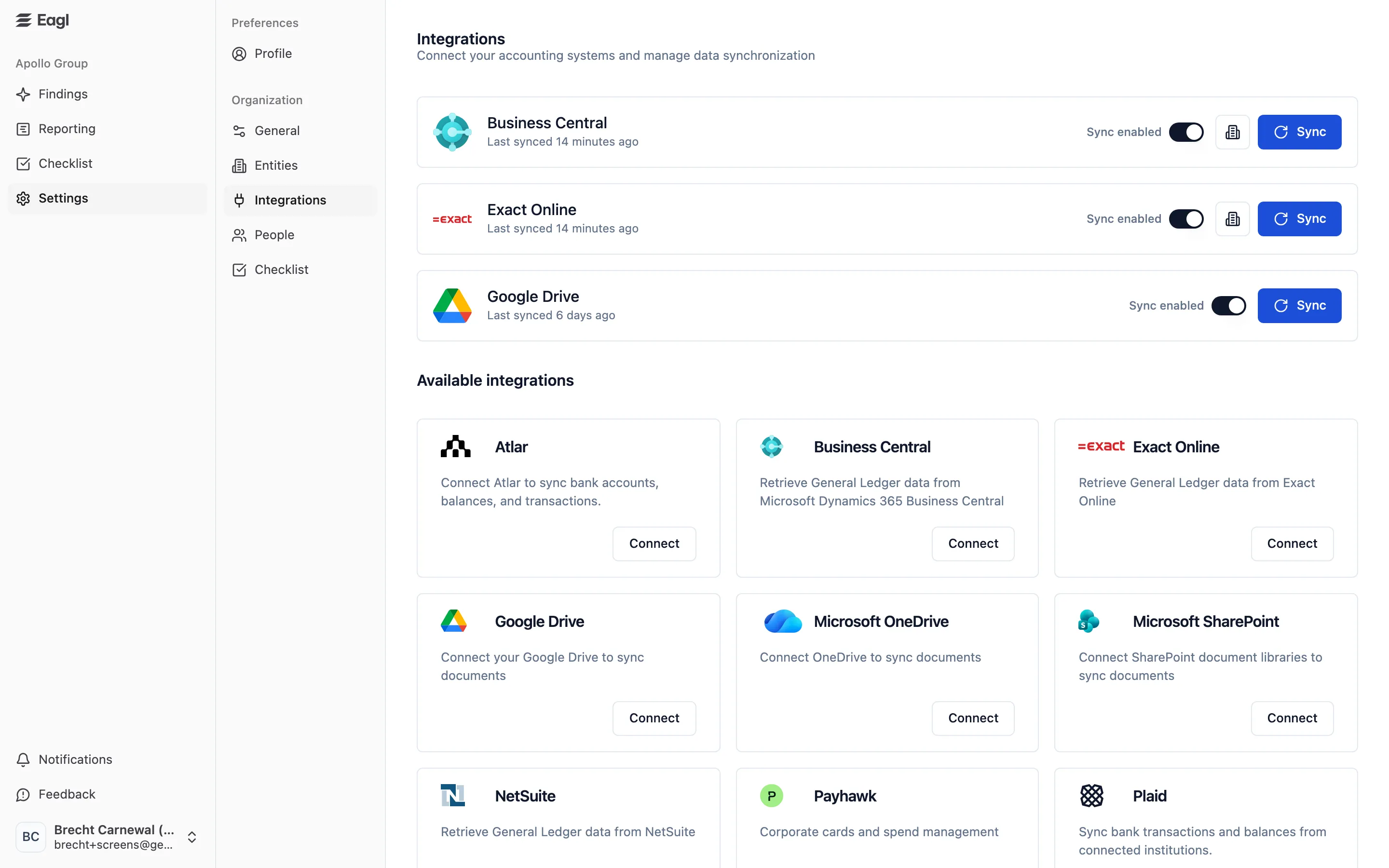
Connect Exact Online.
Go to Settings → Integrations, find Exact Online under Available integrations, and press Connect.
-
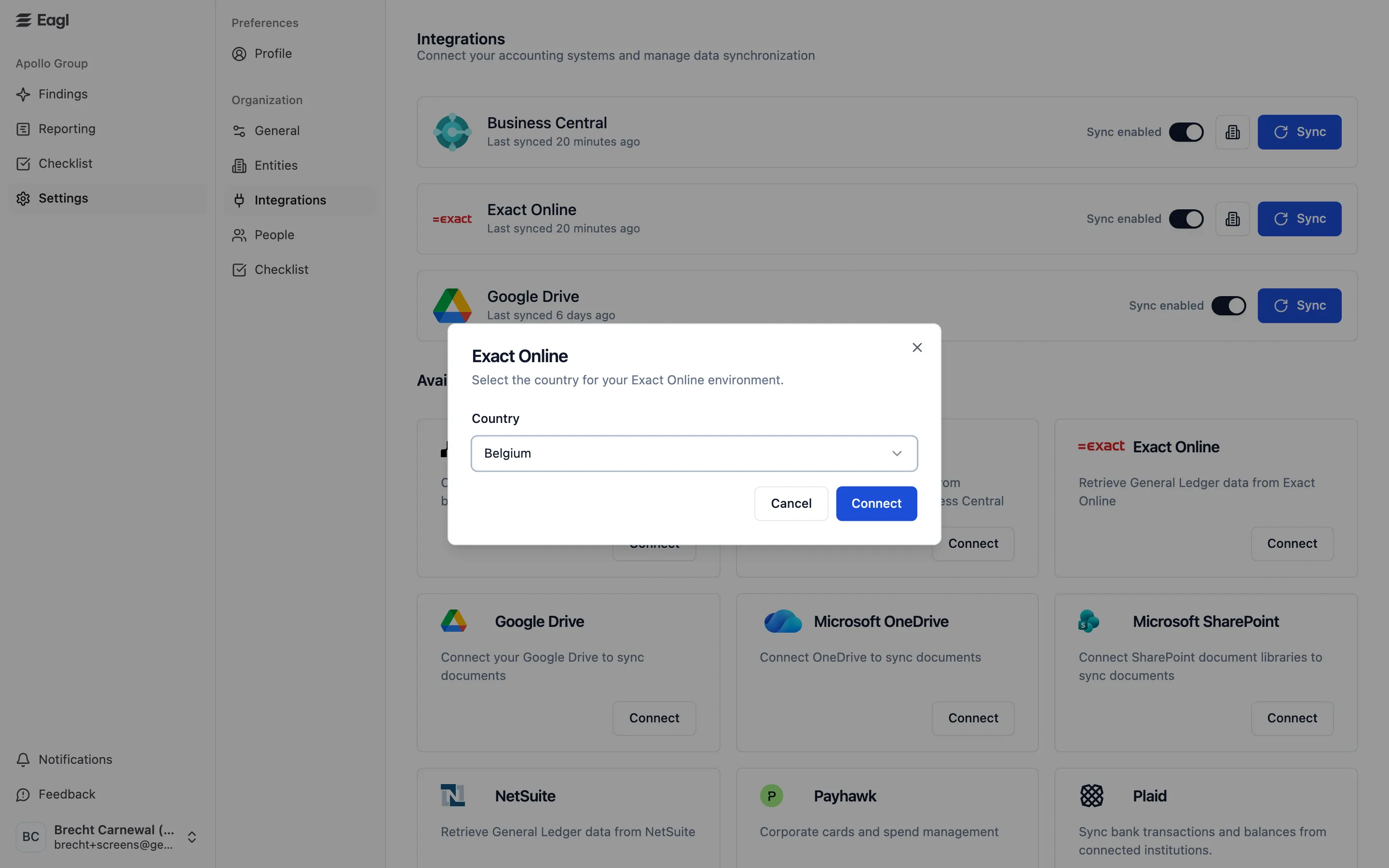
Choose your country.
Exact Online is supported across multiple European countries (including Belgium, the Netherlands, Germany, and France). In the dialog that opens, pick the country that matches your Exact environment and press Connect. Eagl then sends you to Exact Online to authorize.
-
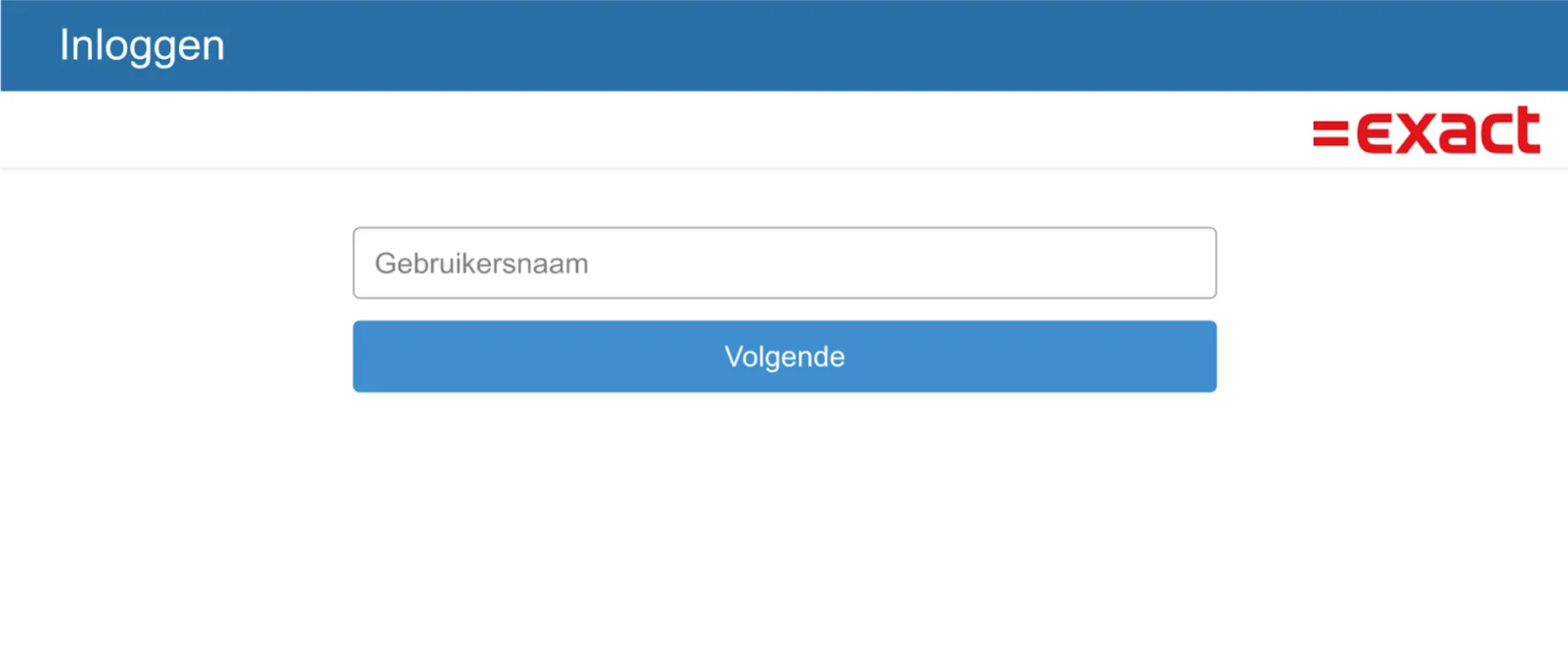
Sign in to Exact Online.
Enter your Exact Online email and password, on the country instance you selected.
-
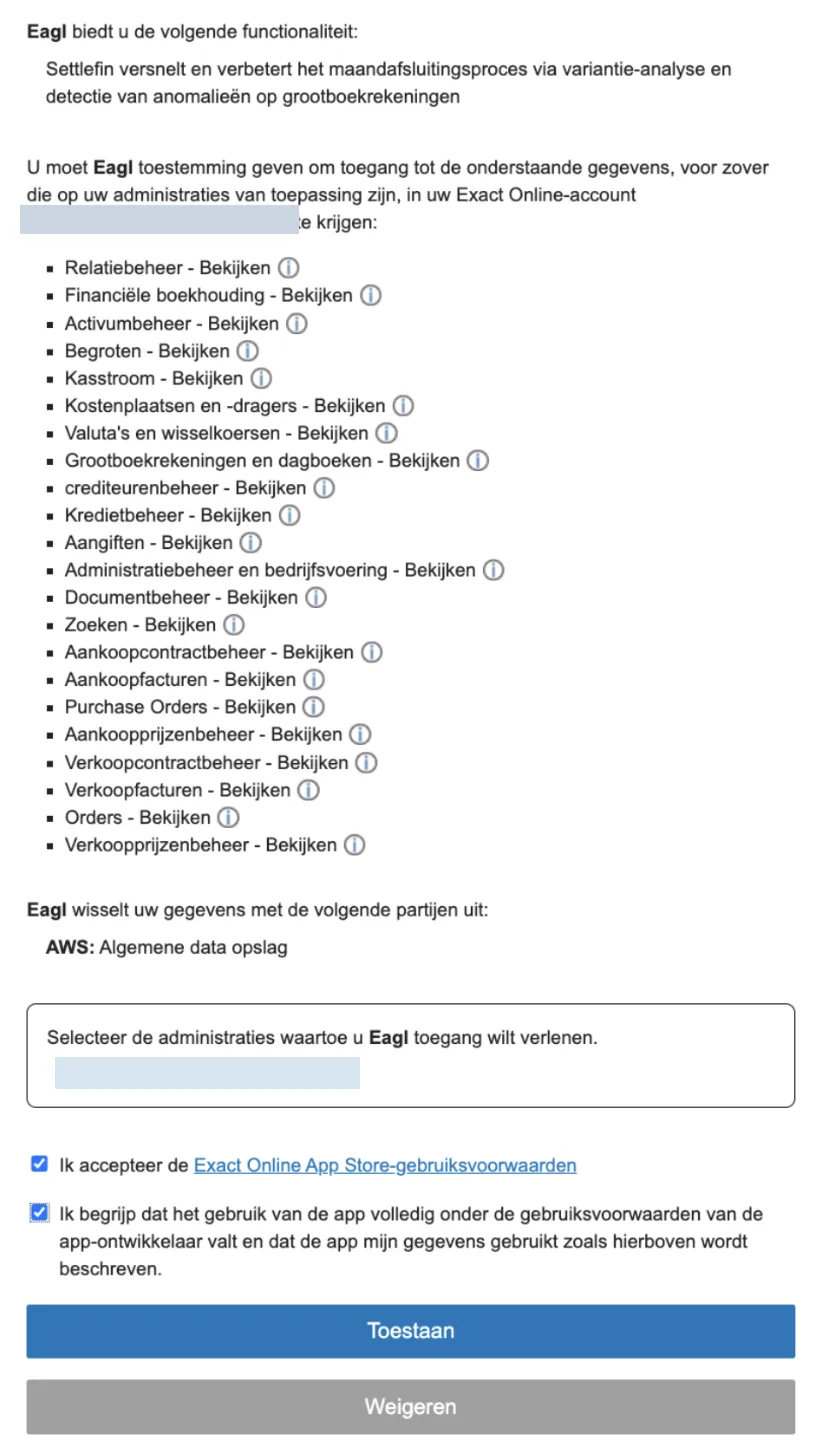
Review and accept the permissions.
Exact Online shows the access Eagl is requesting. Review it and accept to grant access.
-
You’re connected.
Eagl starts syncing your general ledger. Once the first sync completes, your accounts and transactions show up in reporting and drill-down.